How to Pay IESCO Bill Online & Offline Easily and Securely
If you live in Islamabad or Rawalpindi and your electricity comes from the Islamabad Electric Supply Company. Your bill just arrived, the due date is creeping closer and you don’t want to stand in a long queue at the bank. Good news IESCO bill payment in 2026 is genuinely easy and there are more ways to do it than most people realize.
This guide explains common payment steps and the checks to make before authorizing a transaction. Menu names and available services vary by provider. First open your IESCO bill checker result and confirm the current amount and due date.
What You Need Before You Start
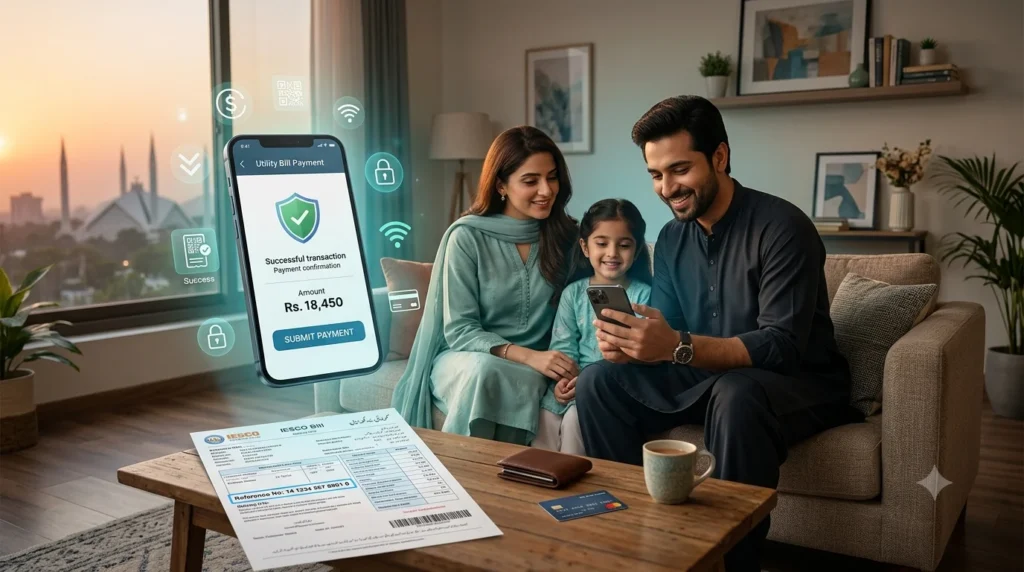
Before diving into payment methods, grab your IESCO bill and look for the 14-digit Reference Number printed near the top. This number is the key to every payment method below online or offline. Without it, no app, bank or wallet can pull up your bill details. For questions about the rate category on the bill, see our tariff explanation.
A few quick tips:
- Double-check the reference number before confirming any payment. One wrong digit and you could end up paying someone else bill.
- Note the due date and the amount, since late payments usually come with a surcharge added to your next bill.
- Always save your payment receipt, whether it’s a digital screenshot or a printed slip from the bank.
Paying IESCO Bill Online: The Fastest Options
Online bill payment is now the default choice for most people simply because it saves time. Here is how the major digital options work.
Mobile Wallets – Easypaisa, JazzCash and Upaisa
Mobile wallets remain the single most popular way to handle IESCO bill payment, mainly because almost everyone in Pakistan already has one installed.
Using Easypaisa or JazzCash:
- Open the app and go to Bill Payments or Utility Bills.
- Tap Electricity, then select IESCO from the list of distribution companies.
- Type in your 14-digit reference number.
- The app will fetch your bill amount automatically review it carefully.
- Confirm the payment and keep the digital receipt for your records.
If you’re using JazzCash specifically, you can also dial *786# on your registered SIM to access bill payment through USSD, which is handy if your internet connection is patchy.
Mobile and Internet Banking
Nearly every commercial bank in Pakistan HBL, UBL, MCB, Bank Alfalah, Meezan, Allied Bank (ABL), Faysal Bank, Standard Chartered and Askari Bank supports bill payment through their app or web portal. The general steps are nearly identical across banks:
- Log in to your mobile banking app.
- Go to Payments or Utility Bills.
- Select Electricity, then choose IESCO as your biller.
- If IESCO is not listed, ask your bank which supported biller route to use. Do not add an unverified prefix or pay a generic invoice that does not return your correct bill details.
- Confirm the transaction using your banking PIN or OTP.
Paying via Allied Bank (ABL):
- Open the ABL mobile app and log in.
- Tap Bill Payments → Utility Bills → Electricity → IESCO.
- Enter your reference number and tap Fetch Bill.
- Review the amount, then tap Pay Now to finish.
Paying via Meezan Bank:
- Log in to the Meezan app.
- Go to Bill Payments → Utility Bills → Electricity → IESCO.
- Enter your reference number, tap Check Bill, then Pay Now.
The process is essentially the same whether you’re using Faysal Bank, Bank Alfalah or UBL only the menu wording changes slightly from bank to bank.
ATMs
If you’d rather not use a mobile app, most bank ATMs let you pay utility bills directly:
- Insert your debit card and enter your PIN.
- Select Bill Payment or Payments/Donations.
- Choose IESCO as the biller.
- Enter your reference number and confirm the amount.
- Take the printed ATM slip as your receipt.
Paying IESCO Bill Offline
Not everyone prefers digital payments and that completely fine IESCO bills can still be paid the traditional way.
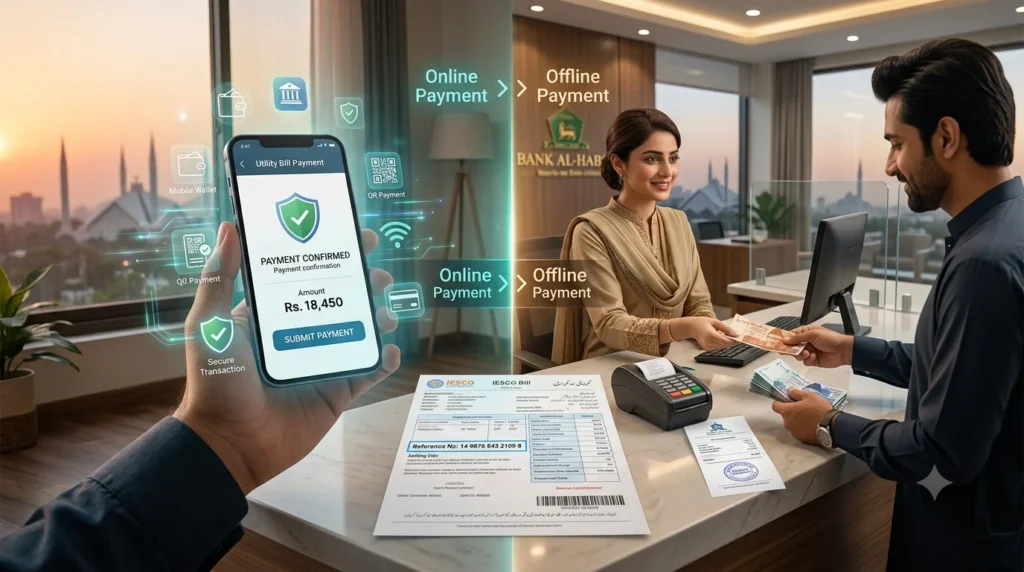
At a bank counter: Take your printed bill to any authorized commercial bank branch. Most major banks accept IESCO payments over the counter without requiring an account with that specific bank.
At post offices and designated collection points: In some areas, post offices and NADRA e-Sahulat centers also accept utility bill payments useful if you are in a location without easy bank access.
Setting Up Auto-Debit for IESCO Bills
If you’re tired of remembering due dates every month, most banks and wallets allow you to register for standing instructions or auto bill payment:
- Visit your bank or set it up within your mobile wallet app.
- Register your IESCO reference number once.
- The bill amount is deducted automatically before the due date each month.
- You’ll get an SMS or email confirmation after every automatic payment.
This is especially useful for people who travel often or simply forget bill due dates.
What to Do If You Face a Payment Issue
Mistakes happen wrong reference numbers, duplicate payments or delayed confirmations. Here is what to do: If the issue also needs utility follow-up, use the IESCO helpline guide with your transaction receipt.
If your bill was paid twice: Contact your bank or wallet support team immediately and keep both receipts ready. They’ll typically process a refund or adjust the extra payment against your next bill.
If payment confirmation is delayed: Online payments through banks and wallets are usually confirmed instantly, though it can occasionally take a few minutes to reflect. Hold on to your receipt until it shows up in your account or next bill.
If your reference number doesn’t work: Double-check you have copied all 14 digits correctly from the latest bill, since reference numbers can change after certain account updates.
FAQs
Final Thoughts
Whether you prefer tapping a few buttons on Easypaisa, logging into your bank app or walking up to a counter with cash in hand, IESCO bill payment is no longer the hassle it used to be. The key is always the same keep your 14-digit reference number handy, double-check the amount before confirming and save your receipt. Pick whichever method suits your habits and you’ll have your bill paid in under five minutes.